vc999 App for Android: APK Download, Install and First Login
The vc999 app carries the whole lobby on your phone: 2,800 games, live tables, crash rounds and cricket markets, with bKash and Nagad at the cashier. It is free, 52 MB, and runs on Android 6.0 and above. Download the file, allow the install once, and you are playing in the same session you left.
Reading this on a laptop? The QR code further down sends the same APK link straight to your phone camera, so you never type the address by hand.
- Version3.8.5
- File size52 MB
- Android6.0 and up
- PriceFree
18+ · Play Responsibly. Set a budget before you open the lobby.
One install, the whole vc999 lobby
- 2,800 games from PG Soft, JDB, KA Gaming, Ezugi, Playtech, Spribe and Red Tiger, sorted the way you play: fishing rooms, slots, live tables, crash, lottery.
- The same cashier you already know, built around bKash, Nagad, Rocket, Upay and bank transfer, with the ৳250 minimum deposit the website uses.
- Live chat inside the app, answered 24/7, so a stalled withdrawal reaches a person without opening a browser tab.
- Push notices for reload offers, cashback credits and withdrawal approvals, instead of refreshing a page to see what changed.
The app is a shell around the account you already use. Nothing moves to a second wallet, and a deposit made on the phone appears in the browser lobby the moment you log in there.
Download APKScan with your phone camera to open the APK link. The code points at vc999.guru only.
Download the vc999 APK file
vc999.apk
52 MB · version 3.8.5 · free
Download APKDirect file from our own server, no redirects and no login wall. Installing it over an older build keeps your balance, because the wallet sits on our side, not on the phone.
| Version | 3.8.5 |
|---|---|
| File size | 52 MB |
| Minimum Android | 6.0 |
| Last updated | 10 November 2026 |
| Price | Free |
| Languages | English, Bangla |
| File name | vc999.apk |
| Payment methods | bKash, Nagad, Rocket, Upay, Bank Transfer |
| Support | 24/7 Live Chat |
Check two things before you install: that the file reads 52 MB and that your phone runs Android 6.0 or newer. Phones below 6.0 cannot open this build, and a file smaller than 52 MB was cut off mid-download. The mobile site still works in Chrome on those devices.
From download to logged in in five steps
-
1
Allow installs from your browser
Open Settings, then Security, then Install unknown apps. Pick the browser you will download with, Chrome or whatever you use daily, and switch the permission on for that app only. You can switch it off again once the file is on the phone.
-
2
Pull the file down
Tap Download APK on this page. The browser saves vc999.apk, 52 MB, to your Downloads folder. On a slow mobile data connection keep the screen on and let it finish; a download that stops halfway is the most common reason an install later fails.
-
3
Open the file and install
Tap the finished file in the notification shade or in Downloads. Android shows its usual warning about unknown sources; if the button is greyed out, tap Settings on that same screen, allow the browser, then return and press Install.
-
4
Log in with your number
Open vc999 and sign in with the mobile number and password you use on the website. New to the site? Register first, add at least ৳250 with bKash or Nagad, then come back to this page for the file.
-
5
Close the door behind you
Go back to Install unknown apps and switch the browser permission off again. Leaving it on lets any download on the phone install itself silently. Keep the APK in Downloads if space allows, since the next release arrives as a fresh file.
iPhone and iPad: add vc999 to the home screen
There is no APK for iOS. Apple does not install Android packages, so Safari gets you the same lobby as a saved shortcut that behaves like an app.
- Open vc999.guru in Safari. Chrome on iOS cannot save a home screen shortcut the same way.
- Tap the Share button in the toolbar, scroll the sheet, and choose Add to Home Screen.
- Name it vc999 and tap Add. The tile opens the full mobile site in its own window, with your login and cashier where you left them.
What the app asks permission for
An APK installs outside the Play Store, so the prompts look unfamiliar the first time. Here is the whole list, and what each one is doing on your phone.
Storage
The app writes game files and a cache so the lobby opens quickly on a second visit. It is also where the installer needs room for the 52 MB file. Clear that cache from Android settings if the phone starts to feel full.
Network access
Every game, table and cashier page is served live. Nothing plays from an offline copy, so the app needs data or Wi-Fi the whole time you are in a round. It reconnects on its own when the signal returns.
Notifications
Used for reload offers, cashback credits and withdrawal approvals. Turn them off in Android settings at any time and the app still works; you simply stop seeing the pushes and check the lobby yourself.
Wallet PINs and passwords
Your bKash or Nagad PIN is typed in the wallet's own screen, never inside vc999. The app stores your session, not your wallet PIN, and the cashier still asks for a one-time code on a new device.
One rule covers most of it: only install a file from this page. The build is served over HTTPS from vc999.guru at 52 MB and version 3.8.5. A link that offers a smaller file, or asks for your password before the download starts, is not ours. Money questions belong on the withdrawal and KYC guide.
App or browser: which one fits your day
Both run the same account and the same 2,800 games. The difference is how you reach them: a tile on the home screen, or a browser tab you have to find again after every phone call.
| What you compare | vc999 app | Mobile browser |
|---|---|---|
| Getting in | One tap on the home screen tile | Open the browser, find the tab, sometimes log in again |
| Games | The same 2,800 titles from seven providers | The same 2,800 titles |
| Live dealer video | Full screen, keeps running when you check a message | Plays in a tab and can pause when you switch apps |
| Cashier | bKash and Nagad open from inside the app | Works, but you juggle tabs to copy a trxID |
| Alerts | Push notices for bonuses and approvals | None; you refresh the page yourself |
| Updates | New APK per release, installed over the old build | Always the current build, nothing to install |
| Phone storage | 52 MB install plus cached game files | No install, browser cache only |
| Weak signal | Retries the last request and keeps your bet slip | A reload can drop you back to the lobby |
| iPhone | Not available, there is no iOS build | Full lobby in Safari, saved as a home screen shortcut |
Short version: the app suits a phone that is already in your hand all evening, and the browser suits a borrowed device, an office laptop or an iPhone. Your balance follows the account either way, so you can mix them on the same day.
What you will open every day
A small screen, the full lobby
2,800 games from PG Soft, JDB, KA Gaming, Ezugi, Playtech, Spribe and Red Tiger, split into fishing, slots, live tables, crash, lottery and sports. Categories sit in one row, so you are two taps from a table.
Fishing rooms built for thumbs
Cat Fishing, Shade Dragon Fishing, All-Star Fishing and Gold Toad Fishing, with stakes that start low. Shade Dragon runs from ৳2 to ৳10,000 a shot, Gold Toad up to ৳50,000, so the same room suits a ৳100 evening and a bigger night.
Crash between overs
Crash Bonus at 97.3% RTP, Plinko at 96.8% and Ludo Quick at 96.5%, all short rounds that fit a break in play. Bets start at ৳1 on Plinko and ৳5 on Crash Bonus, and you can cash out without leaving the screen.
A cashier that matches bKash habits
Deposits usually land in about 4 minutes and most withdrawals clear in 42 minutes with KYC already approved. Start from ৳250, cash out from ৳800, and the daily ceiling sits at ৳235,000.
Offers on the first screen
The 115% first deposit up to ৳5,500, the 13% reload and the 1% daily cashback all show inside the app with their 17x wagering attached, so you see the terms before you opt in rather than after.
Chat that answers at 2am
Live chat runs 24/7 inside the app. KYC documents are normally reviewed in about 2 hours, and a first withdrawal usually clears within 1 hour once the account is verified, which is when most questions appear.
When the install stalls: fixes by symptom
| What you see | Why it happens | What to do |
|---|---|---|
| “App not installed” at the end of the install | The file stopped short of 52 MB, or an older copy with the same name is sitting in the folder | Delete vc999.apk from Downloads, download it again from this page, confirm the size reads 52 MB, then install once. |
| Play Protect says the file may be unsafe | Play Protect flags anything that did not arrive through the Play Store | Tap More details, then Install anyway. Keep Play Protect on for the rest of the phone; it is only this one file that needs the exception. |
| The Install button is greyed out | The browser has no permission to install apps on this phone | Settings, Apps, your browser, Install unknown apps, Allow. Come back to the same screen and the button turns active. |
| The app opens and closes again | The phone runs an Android version older than 6.0 | Install the system update if one exists. If not, use the mobile site in Chrome, which needs no install and holds the same account. |
| Login or cashier page stays blank | An old build still on the phone, or a data connection dropping requests | Install the current 3.8.5 file over the old one, clear the app cache in Android settings, and retry the payment on Wi-Fi. |
If none of the five matches what you see, open live chat with the phone model and the version number in front of you. That pair answers most install questions in one reply.
Games you can open right after install
See the casino page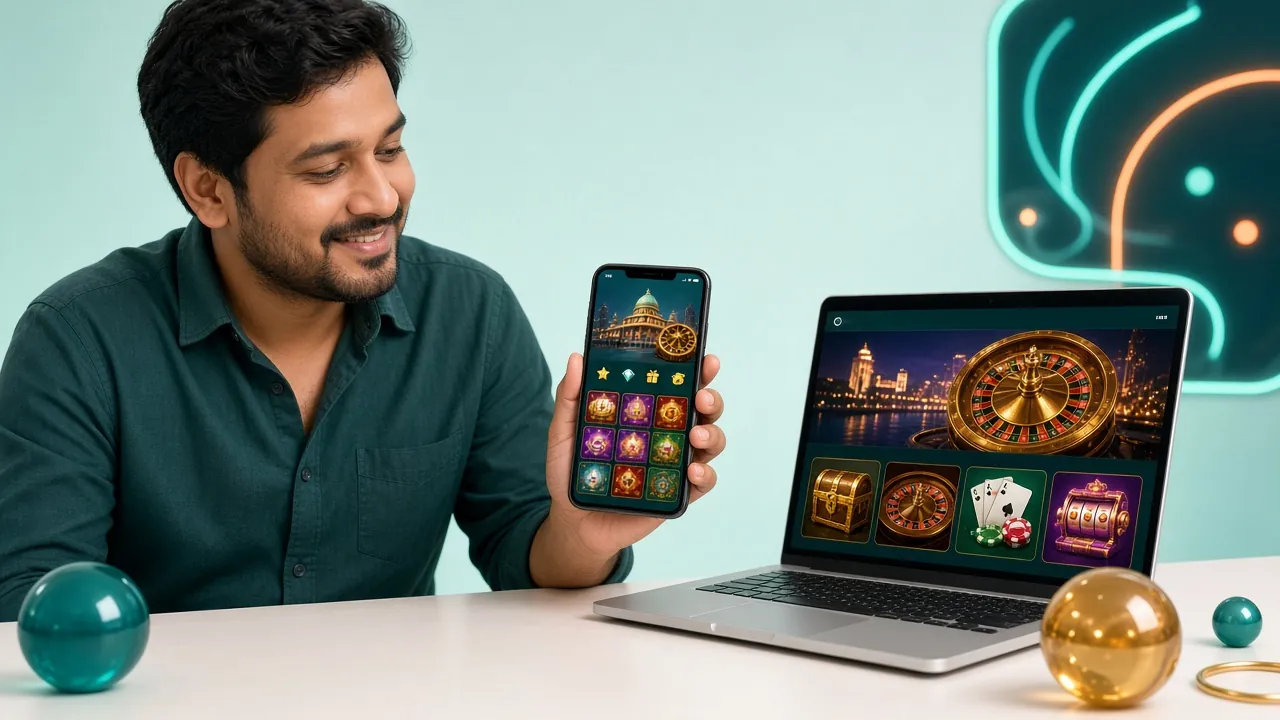
Nothing in the app is a demo version. The fishing rooms, live tables and crash rounds are the same ones on the desktop, drawn from the same provider list, with bet limits you can check before you join a room.
- Fishing: Cat Fishing, Shade Dragon Fishing, All-Star Fishing, Gold Toad Fishing, Fishing Yi Lu Fa.
- Live tables: European Roulette Pro and Double Exposure Blackjack, dealt by a real dealer on video.
- Crash and quick play: Crash Bonus, Plinko, Ludo Quick, Lucky Neko.
- Slots: Dragon Fortune, Jungle King, Jurassic Kingdom, Ganesh Gold and the rest of the 2,800.
Tap any of the two rooms below to open an account and play them on the phone.


Answers before you install
Is the vc999 APK safe to install?
It is safe when the file comes from this page. The build is 52 MB, version 3.8.5, served over HTTPS from vc999.guru, and it installs nothing else. Check the size before you tap install. A link that hands you a smaller file, or asks for your password before the download starts, is not ours.
Why does my phone warn me about the file?
Android warns about any app that did not come from the Play Store, even a clean one. The message is about the source, not about a virus it found. Tap More details, then Install anyway, and leave Play Protect switched on for every other app on the phone.
How do I update the vc999 app?
Download the new APK from this page and install it straight over the old build. Your balance and login stay put, because the account lives on our server, not on the phone. The current build is 3.8.5, updated 10 November 2026. Keep notifications on and you will hear when the next one lands.
Can I install the app on an iPhone?
No, there is no APK for iPhone, and Apple does not install Android packages at all. Open vc999.guru in Safari, tap Share and then Add to Home Screen. You get the same lobby, the same login and the same cashier, one tap from the home screen, without a download.
The install failed. What should I check first?
Three things, in this order: free storage for the 52 MB file, the install-unknown-apps permission for the browser you used, and the file size in Downloads. If the file is smaller than 52 MB the download broke and no amount of retrying will fix it. Delete it and pull it again on a stable connection.
Do I need a separate account for the app?
No. The same number and password work on the phone, the website and the casino page. If you have never signed up, create the account first and then log in on the app. One wallet covers all three, so a bKash deposit on the phone shows up in the browser immediately.
Will the app eat my mobile data?
Less than you might expect after the first session, because images and game files are cached on the phone. Live dealer video is the heavy part. On mobile data, lower the stream quality in the table settings, or play slots, fishing and crash rounds instead until you are back on Wi-Fi.
One account, phone and browser alike
Install the APK when you are on Android, save the shortcut when you are on iPhone, and log in with the same details either way. Deposits start at ৳250, and the cashier never asks for your wallet PIN inside the app.